

“Sorry, I forgot” is unlikely to satisfy the boss when it comes to backing up your critical data.
Find out why over 7,000 companies rely on Orchid's Sage add-ons every day
Orchid Systems, a Sage Tech Partner and Sage ISV of the Year (ANZ 2022), has been part of the Sage community for 30 years.


We develop add-on modules for Sage software that
- Improve collaboration & decision making
- Streamline financial processes
- Simplify & automate complex, time-consuming tasks
- Increase operational efficiency
- Extend & tailor Sage functionality
Affordable Business Intelligence from Orchid Systems
Info-Explorer is well known within the Sage 300 community for its integrated analysis and budgeting capability. It comes in 3 editions:
- Lite (FREE!): Analyse your own data using 40+ pre-defined cubes designed specifically for Sage 300
- Standard: Also lets you create new cubes and queries, amend existing ones, and export cube data
- Writeback: Also includes writeback to Sage 300, plus specialized budgeting features
Less well known is that, unlike Orchid’s other add-on modules, Info-Explorer can be used outside the Sage ecosystem.
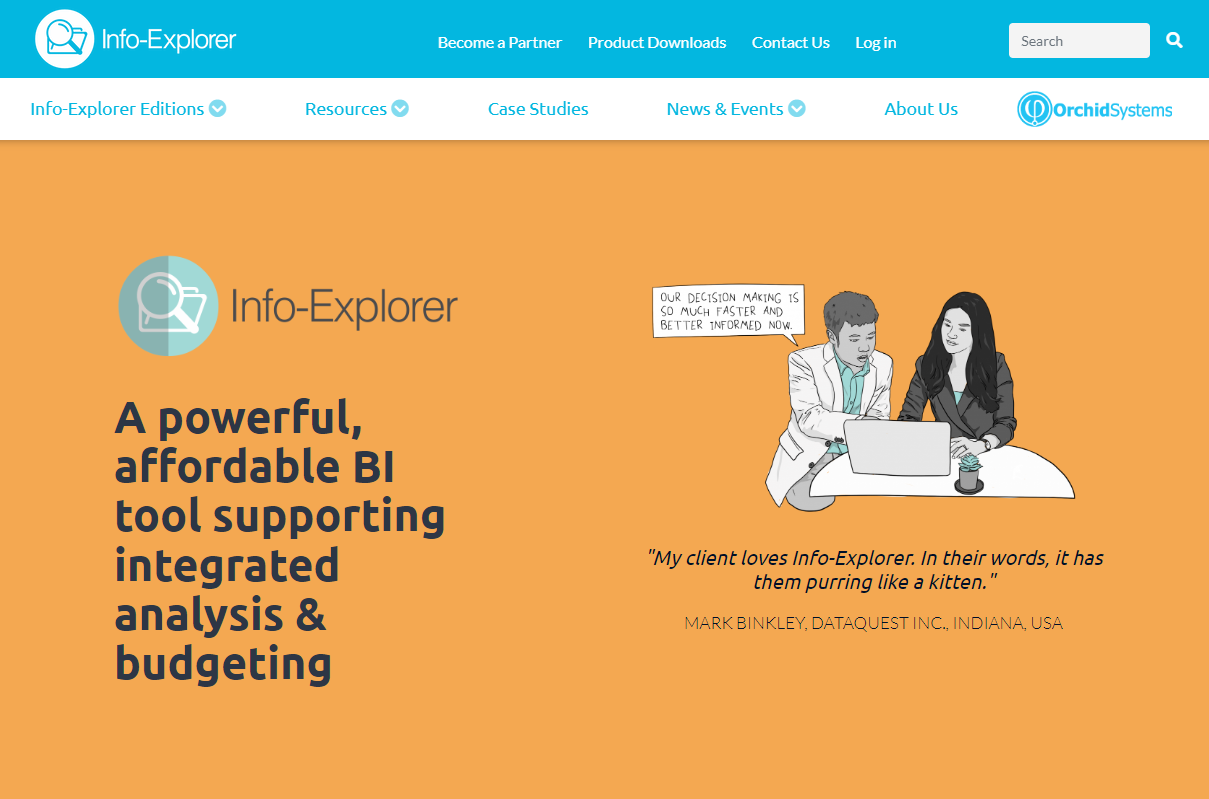
Info-Explorer can be used to import and analyse data from any SQL & ODBC database. In recognition of this versatility, we’ve created a new website specifically for Info-Explorer:
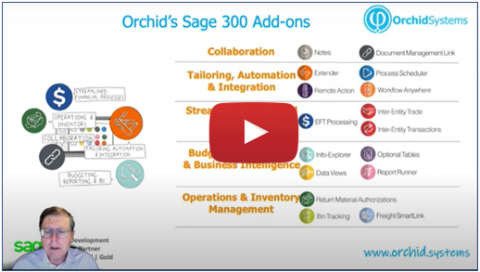
An Introduction to Orchid
If you don't know much about Orchid Systems or our products, this short introductory video is a great place to start. It features:
- A quick introduction, telling who we are
- A very brief overview of each of our Sage add-ons
After watching it, keep browsing our site for more detailed information about our products and solutions.
EFT Processing: Now available for Sage Intacct
Sage Intacct customers are now able to share the benefits that have made Orchid's EFT Processing such a success within the Sage 300 community:
• Automates the creation of EFT Payment and Direct Debit files in the format required by your bank
• Supports domestic payments, cross-border payments, positive pay, WIRE, NACHA, CPA005, SEPA, ISO2022, BPAY, etc
• 800+ bank formats already supported, others created on request
• Fully integrated with standard Sage Intacct payment and receipt processing routines

Join the thousands of businesses that have used Orchid's EFT Processing to help make the transition from paper-based to electronic payments and receipts.


